
Free · No login · No watermark
TikTok Downloader
Download TikTok videos and photo slideshows without the watermark. Paste a TikTok link, tap Download, done.

Free, no login. Works with public TikTok videos and photo slideshows. Download only what you have the right to keep.
How to download a TikTok video
The same on iPhone, Android and computers.
- 1
Copy the TikTok link
In TikTok, tap Share on the video or slideshow, then Copy link. On a computer, copy the address from the browser.
- 2
Paste it above
Tap Paste, or paste into the box yourself. The download starts looking for the video right away.
- 3
Tap Download
Check the preview, then tap Download MP4. For a slideshow, download one photo or all of them.
More detail: TikTok downloader for iPhone ·for Android ·slideshows
The PocketTok app
Even faster on your phone
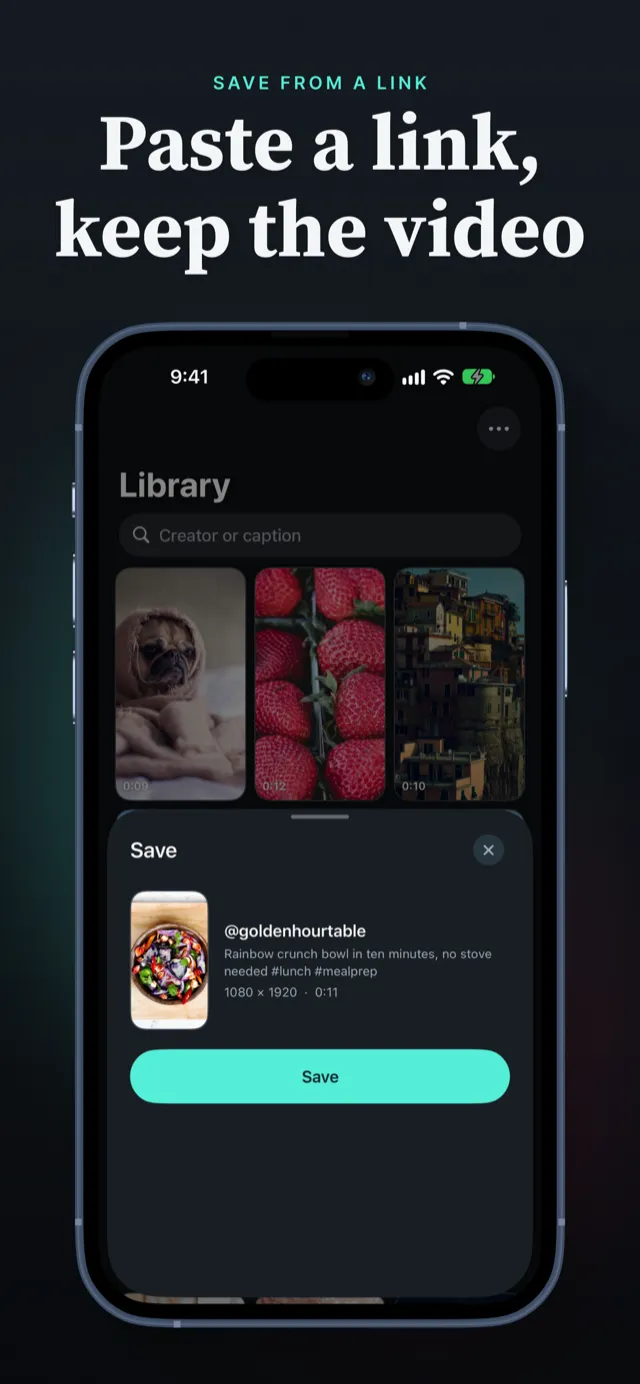
Skip the copy and paste. In TikTok, tap Share › More › PocketTok, and the video is saved without the watermark. On iPhone, one more tap adds it to Photos.
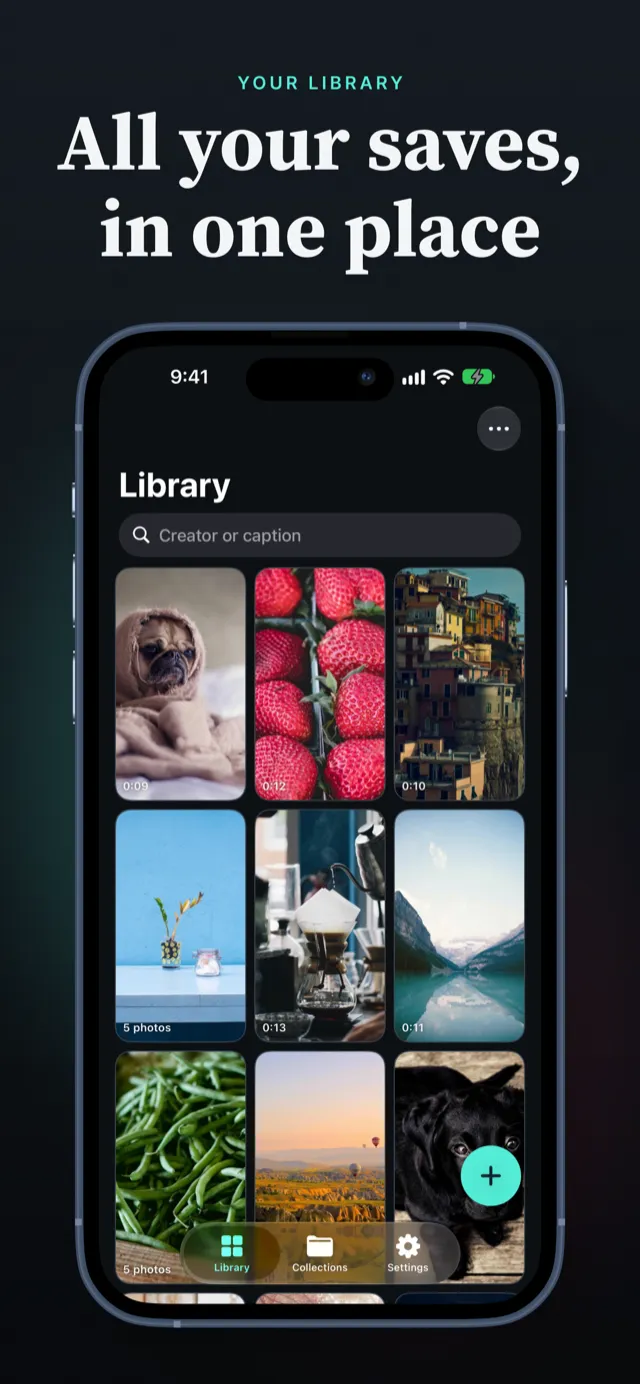
- • Every save lands in a library you can search, filter and sort
- • Collections for recipes, workouts, trips and ideas
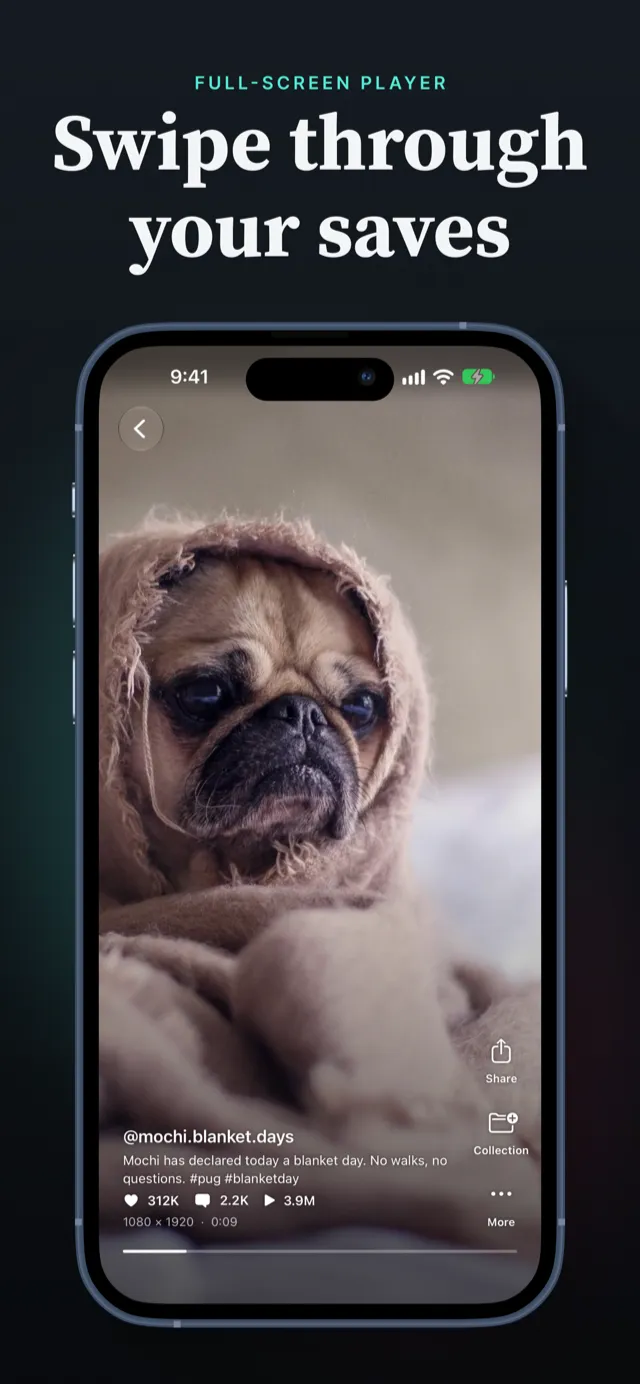
- • Slideshows keep their music, and play in a full-screen feed
- • No ads, no login


Website or app?
Both download TikToks without the watermark. Pick the one that fits.
| Feature | This website | PocketTok app |
|---|---|---|
| Price | Free | Free to start; Pro for unlimited saves |
| Where it works | Any browser, phone or computer | iPhone, iPad and Android |
| How you start | Copy the link, paste it here | Share from TikTok straight to PocketTok |
| Where files go | Your Downloads folder | Your PocketTok library, and Photos in one tap on iPhone |
| Finding them later | Loose files | Search, filters and collections |
| Slideshows | The photos | The photos, playing with their music |
A TikTok downloader with a library built in
In the app, your saved TikToks play in a full-screen feed, sorted and grouped the way you like.
Paste a link and save
Your library
Watch full screen
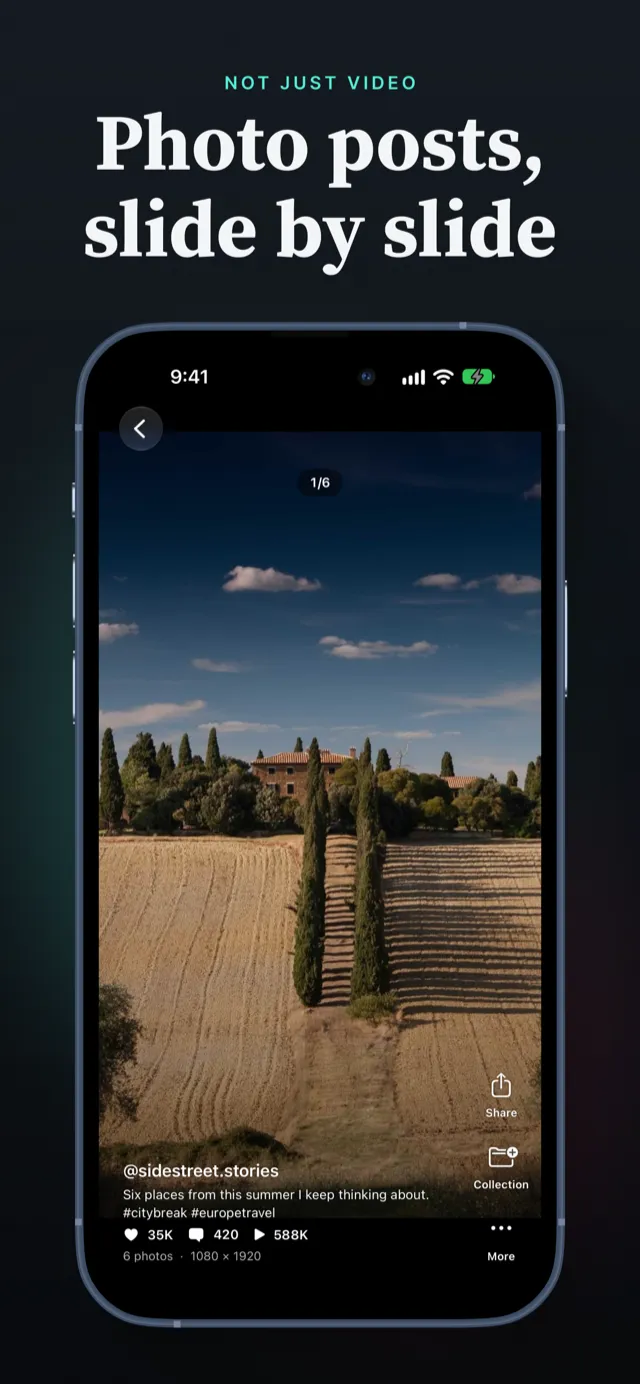
Photo slideshows
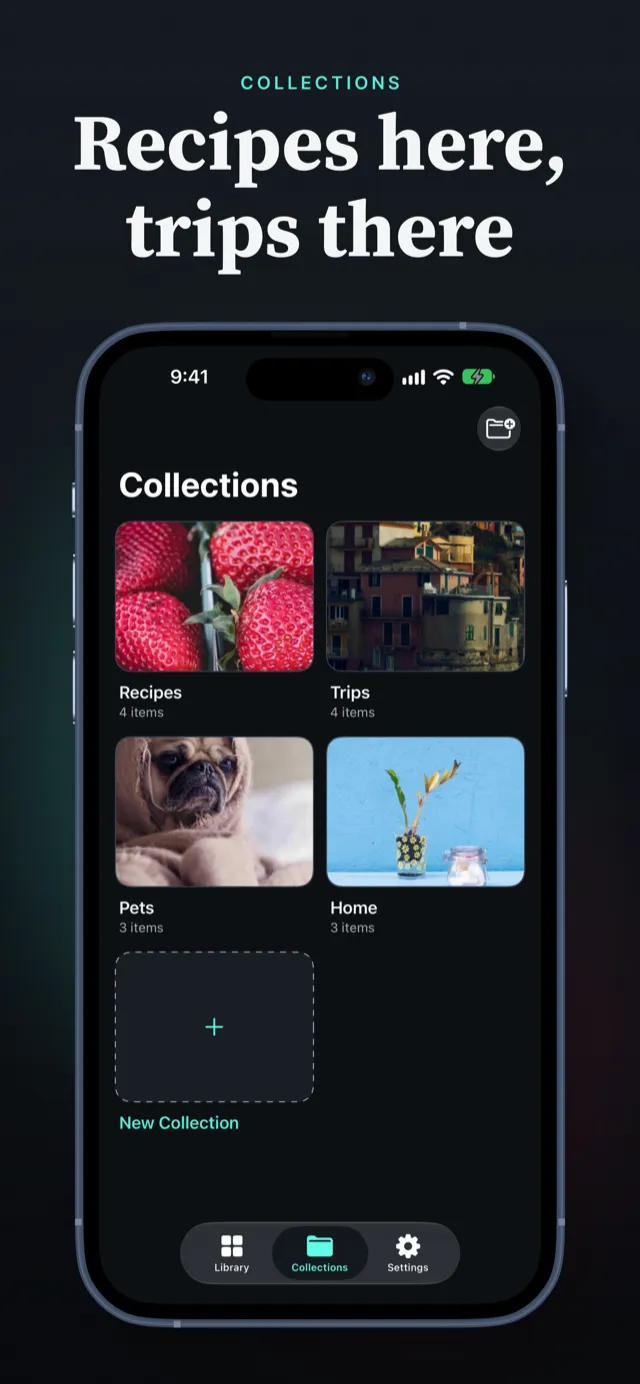
Collections
The app: free to start, Pro when you need more
Free
Download the app and start saving. Without Pro, new saves are limited. The app always shows your current limit, and a failed save never counts. Your library, collections and sharing are free.
PocketTok Pro
Unlimited saves, plus extra playback options such as auto replay and background audio. Weekly, annual or lifetime; eligible new annual subscribers get a one-week free trial. Prices are shown in the app before you buy.
Frequently asked questions
Is this TikTok downloader free?
Yes. Downloading on this page is free, with no sign-up and no login. The PocketTok app is free to start as well; without Pro, its number of new saves is limited.
How do I download a TikTok video?
Copy the video's link in TikTok (Share › Copy link), paste it into the box at the top of this page and tap Download. Check the preview, then tap Download MP4.
Does it remove the TikTok watermark?
PocketTok downloads the video file TikTok plays inside its own app, which has no watermark and no end screen. For the rare post where TikTok only offers the watermarked file, that is the one you get.
Can I download TikTok slideshows and photos?
Yes. Paste the link of a photo post and every photo appears. Download the ones you want, or all of them at once.
Where do downloaded TikTok videos go?
Into your browser's Downloads folder. On iPhone that's Files › Downloads; to put a video in Photos, open it there, tap Share and choose Save Video. The PocketTok app saves to Photos in one tap instead.
What quality are the downloads?
The best quality TikTok serves for that post. PocketTok doesn't upscale or re-encode anything.
Does it work on a computer?
Yes. The downloader on this page works in any modern browser on Windows, Mac, Chromebook or Linux, and on phones. The PocketTok app is for iPhone, iPad and Android.
Do I need a TikTok account?
No. PocketTok never asks for your TikTok account or password. It downloads public posts from their links.
Can I download private TikToks?
No. Only public posts, the same ones anyone with the link can watch.
Can I download TikTok audio as MP3?
No. PocketTok downloads videos and photo slideshows, not the audio on its own.
Is it legal to download TikTok videos?
A video still belongs to the person who made it. Download videos you made or have the creator's permission to keep, and never re-upload someone else's video as your own. TikTok's terms of service also apply.
Is PocketTok made by TikTok?
No. PocketTok is an independent app and website by TRILLIWON, Co. It is not affiliated with, endorsed by or sponsored by TikTok or ByteDance.
Guides
How to Download TikTok Videos Without the Watermark
Why TikTok adds a watermark when you save a video, and how to download TikTok videos without it on iPhone and Android.
How to Save TikToks to Watch Later (and Find Them Again)
TikTok Favorites disappear when a video is deleted. Here is how to keep your own copy of the TikToks you want to watch later, organized in collections.
Are TikTok Downloaders Safe? 7 Things to Check First
Fake download buttons, login requests and unknown APKs: seven checks that tell a safe TikTok downloader from a risky one.
Get PocketTok on your phone
Share from TikTok, save without the watermark, keep everything in one library.